


Product specifications are subject to change at the hands of the seller at any time, and may be inaccurate.
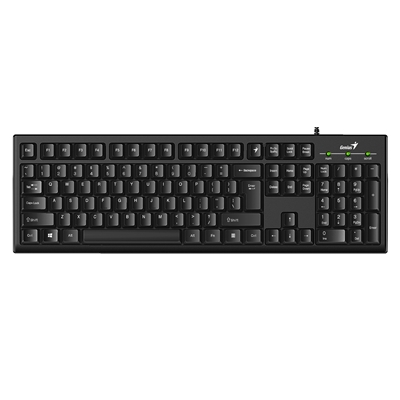
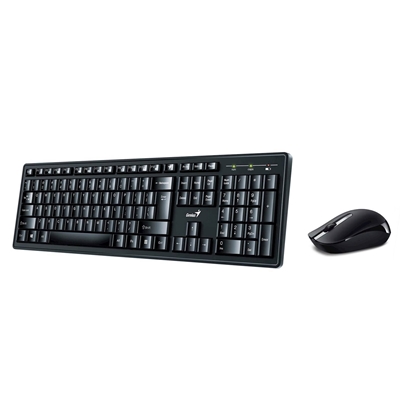
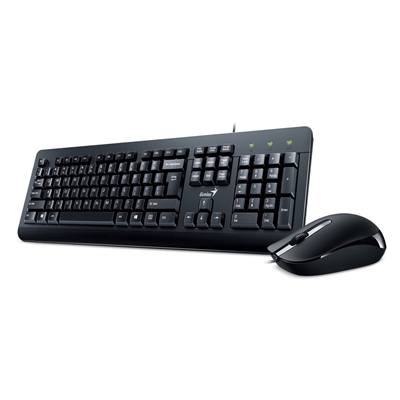
Genius Smart Keyboard
For the Smart Generation. Type Smart. Live Smart.
CUSTOMIZE TO YOUR NEEDS, THE WAY YOU NEED THEM...
UP EFFICIENCIES BY 20 - 30% OR MORE...
You can customize any of the 12 function keys to launch applications, visit websites, enable multimedia, send emojis, create app internal shortcut. With a touch of a single button command, it can also bring out your often used words or phrases.
Convenience & Efficiency are just one single keystroke away!
VISUALIZE YOUR CONVENIENCE SETTINGS WITH GENIUS KEY
SEE WHAT YOU SET, WATCH SMART IN MOTION...
It reminds you in case you forget the settings, and it is also fun to watch the smart changes of the mapping visually when you switch between applications.
CONTROLS TO QUEST FOR EFFICIENCY
You can customize the 12 function keys with prebuilt access methods to launch applications, access documents, invoke browser to visit web URL common emoji character or standard key codes. If you want finer control, you can specify applications or web URL with parameters or you can even specify free-style keystrokes as if you are keying in the keystrokes when a single function key is pressed...
CREATE YOUR OWN MEDIA PLAYER KEYBOARD
ASSIGN SHORTCUTS TO PLAYER SPECIFIC FUNCTIONS SET MULTIMEDIA KEYS POSITION AT YOUR CHOICE
You can assign multimedia keys to any function keys at your choice. You can also designate any of these keys to quick access to your idol singer or top-hit list or frequent listening with your favorite desktop music player such as Spotify, KKBox or the likes...
MORE FUN WITH SOCIAL & APPS...
Imagine an Emoji keyboard, or create your APP keyboard. Download some prebuilt sample profile for a taste of what you can do!
IT?S TIME to show-off to your friends with your Smart Keyboard.
WATCH SMART IN MOTION
After You Personalize Your Frequently Used Applications
Visualize The Smart in motion with personalized function key APPs. The Smart Engine automatically map function key settings per application when it detects that you switch to work on different application!
Smart Quiz ? so effectively how many function keys does this keyboard provide?
GENIUS SMART KEYBOARDS
It is a customizable keyboard. Together with the Genius Smart Engine, it provides complete control of the 12 function keys unique to your favorite web, APPs, social or business integration.
System Requirements
Windows 7, 8, 8.1, 10 or later
Mac OS X 10.8 or later
USB port
Keycap Type
Concave
Cable Length
1.5m
Genius Key Support
Yes
Customizable Function Keys
F1 to F12
Smart Engine
Yes (SmartGenius)
Visual Function Key Bar Virtual
Yes
Function Key
Yes
App Profile Support
Yes
SmartGenius Support
Yes
SmartGenius App Download at: www.geniusnet.com/download
(Remark: The product hardware and firmware is factory preset. You can adjust the settings to meet your demand. For a firmware update, you can check our website.)
Colours
Black
Dimensions ( W x H x D )
440.51 x 139.67 x 20.07 mm
Weight
Approx 450g
The seller of this product is solely responsible for the accuracy of the information provided on this listing. AEM Labs does not guarantee the accuracy of the information provided on this page.
Only customers with a platform account can leave a review on the marketplace. They can only be written after a purchase has been made, thereby ensuring every review on the marketplace is verified. Automated reviews are written on behalf of a customer if certain conditions are met. AEM Labs does this to provide more information to other marketpalce users and help them buy and sell with confidence.
This seller has not received any reviews yet. Only buyers who have purchased from this seller can leave a review.
This product is shipped manually by the seller. Contact the seller for shipping information via our messaging system.
These policies are set by the seller upon registration and apply to their entire store. AEM Labs does not enforce and is not responsible for these policies. Message this seller for further information, or contact support if something is wrong.
Tech news, reviews, and guides from the Lab Journal by AEM Labs.
Sell your tech now. Windows 10’s sunset and AI PCs are really boosting demand. List on AEM Labs Marketplace with lifetime free seller accounts and 0% listing fees, plus UK support.
With GPUs hitting £1,200 and CPUs topping £400, new-gen builds have priced many UK consumers out of the market. Instead, the community thrives on second-hand hardware - a culture rooted in affordability, value cycles, and sustainability through reuse and right-to-repair.

CoreWeave and OpenAI have expanded their partnership with a new $6.5B contract, bringing the total to $22.4B in 2025. The deal supports OpenAI’s Stargate project, relies heavily on Nvidia hardware, and raises questions about concentration and regulatory scrutiny in AI infrastructure.

Nvidia’s $100B OpenAI deal promises 10GW of AI compute power by 2026. The company insists GPU supply for gamers won’t suffer, but with such massive demand on the horizon, many fear a repeat of past shortages. Is this the start of an AI-first Nvidia era, and what does it mean for PC gaming?

Nvidia’s $5B stake in Intel isn’t just about faster chips. It’s a U.S. chip alliance forged in the shadow of a trade war with China - a lifeline for Intel to stay competitive, and a move that could reshape how PC gamers and data centers power their systems.
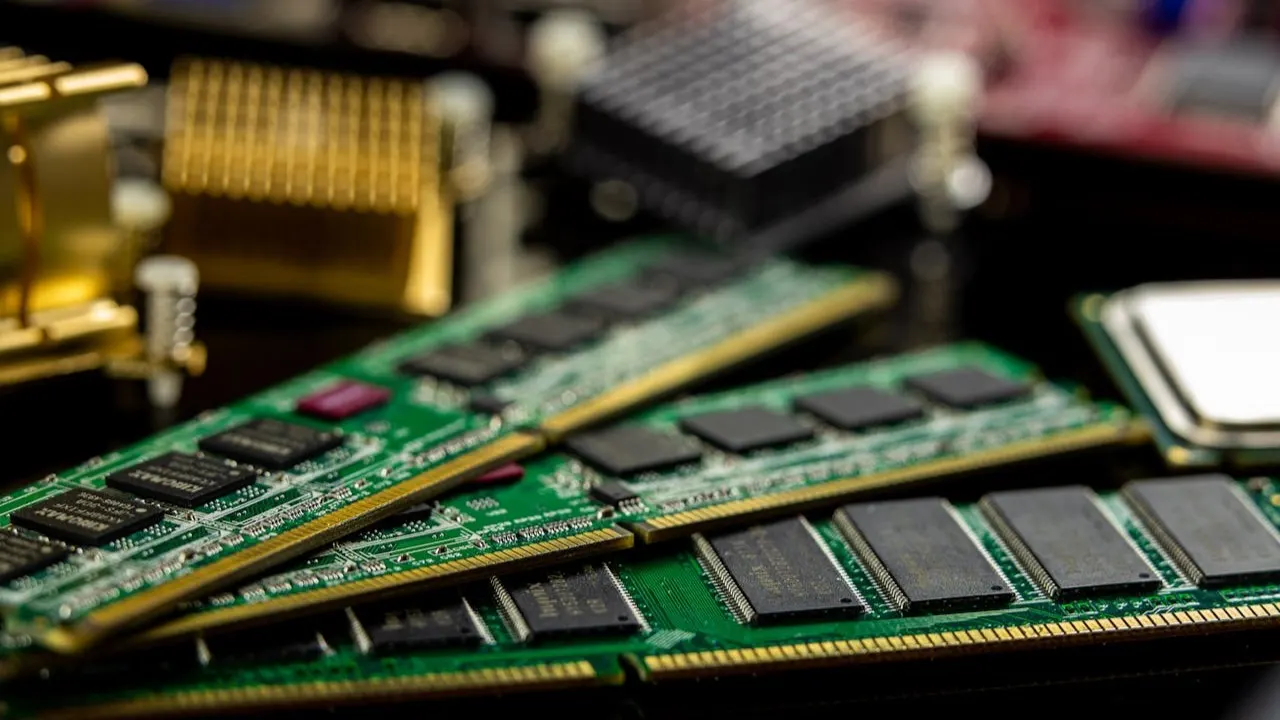
PC parts don’t just lose value.. they cycle. New launches push buyers toward older GPUs and CPUs, reducing supply and raising demand. Here’s why second-hand components stay valuable and how sellers can prepare them for resale.
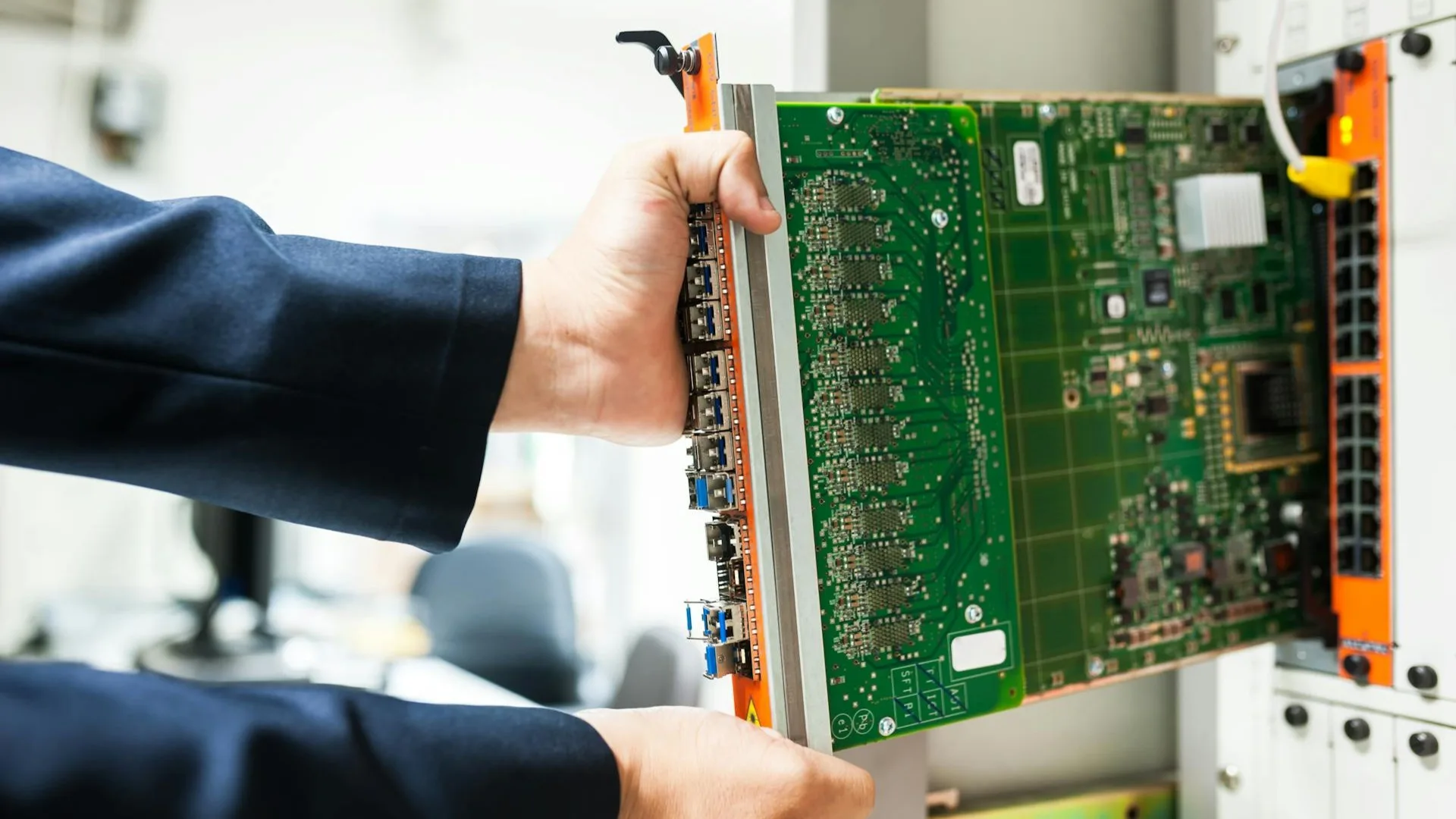
Windows 10 dies in Oct 2025... but you can continue using it safely. Spend a 6 minute read to learn what it really means, what Microsoft's ESU offers, who qualifies, and how to protect your system while others rush to Windows 11.

Microsoft have pulled the plug. Support for Windows 10 ends in 14 October 2025. Truth be told, not every PC can run Windows 11. Here’s the truth about Microsoft’s requirements, why TPM matters, and what to do if your PC is left behind.
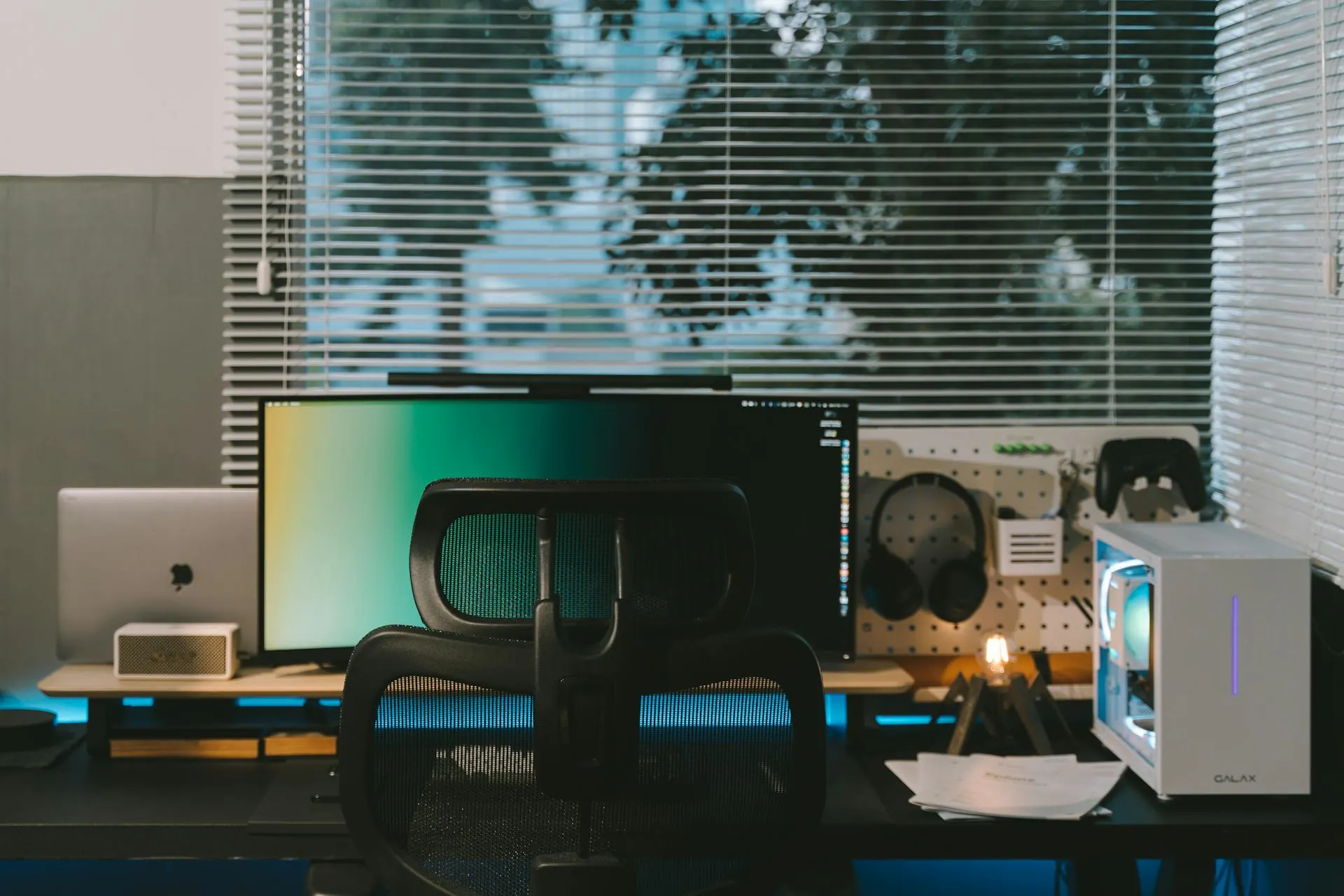
From fake components to disappearing sellers — pre-owned PC deals can go wrong fast. In this post we share 5 true-Reddit horror stories of buying or selling used hardware, plus practical tips you can use to protect yourself every time you trade.
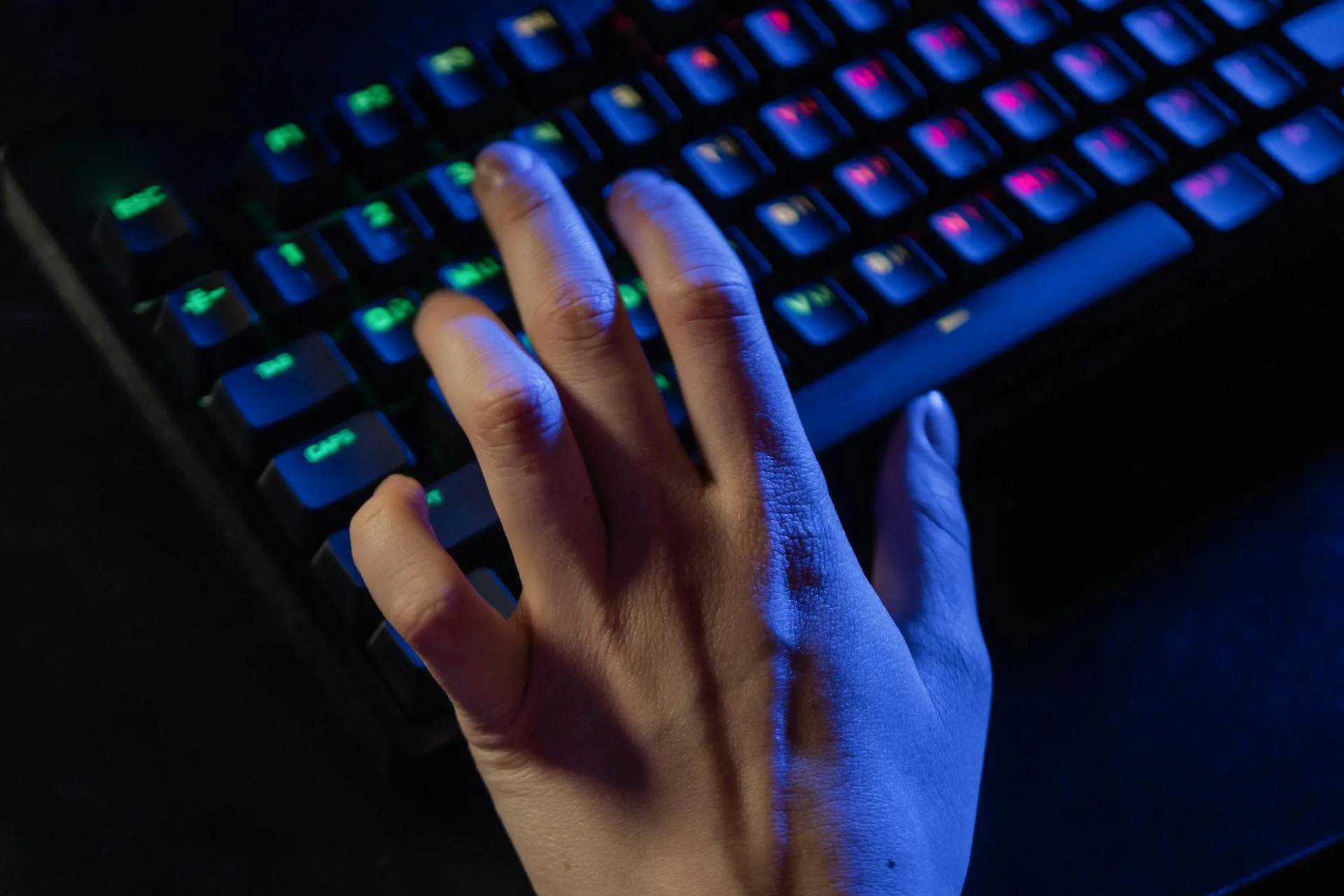
When we built AEM Labs, we knew the marketplace itself was only part of the bigger picture. Buying and selling hardware is important - but the real strength comes from the community. That’s why we’ve built several spaces where you can connect, learn, and have a say in what we do at AEM.
Already have an account? Sign in
Remember your password? Back to Sign In