

Product specifications are subject to change at the hands of the seller at any time, and may be inaccurate.
This product category has limited specification details available. For more information, please contact the seller directly.
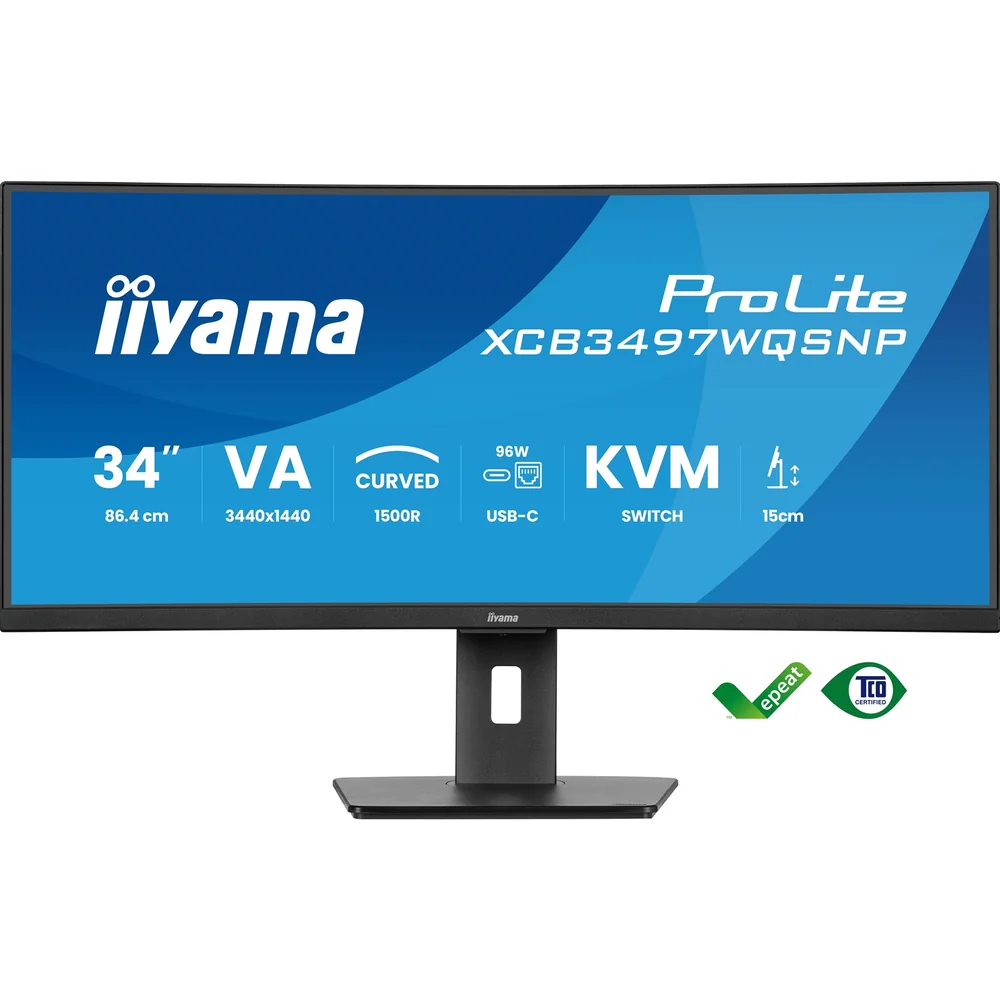
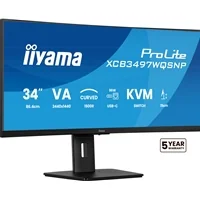
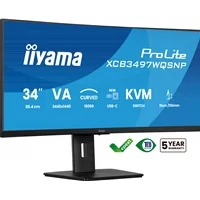
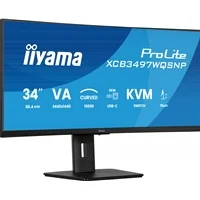
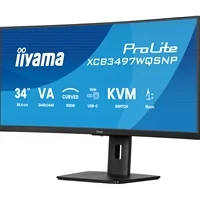
iiyama ProLite XCB3497WQSNP-B1 34’’ UWQHD curved monitor with USB-C dock, LAN, KVM switch and 15cm height adjustable stand
The XCB3497WQSNP is a 34-inch curved monitor that incorporates a KVM switch and a USB-C dock to simplify your workspace. The KVM switch enhances multitasking by allowing you to control multiple computers from a single monitor, keyboard, and mouse. The USB-C dock reduces cable clutter and simplifies connectivity even further, allowing a single cable to carry video, data, and power to charge your notebook. Additionally, when the monitor is connected to a LAN network, your notebook automatically gains network access. The VA panel technology delivers high contrast and deep black levels and wide viewing angles for consistent image quality regardless of your position for a richer and more vivid viewing experience.
For optimal comfort, the 15cm height-adjustable stand allows you to customize the screen position, while the Flicker-Free panel and Blue Light reduction function help minimize eye strain.
Easy multi-device control with KVM
Easily switch between multiple computers using one monitor, keyboard, and mouse, making multitasking smooth and efficient.
USB-C dock for tidy desk & easy connectivity
Connect everything with just one cable — handle video, data, and power while keeping your desk clean and organized.
Curved for immersive viewing
Step into an immersive, natural viewing setup that minimizes distortion and reduces eye strain during long work or entertainment sessions.
Multitasking with ultra-wide QHD
Get more space to multitask, compare documents side by side, or fully immerse in your content without switching windows.
Technical Specification
DISPLAY CHARACTERISTICS
Design
curved
Diagonal
34", 86.7cm
Panel
VA panel, matte finish
Curved
1500R
Native resolution
3440 x 1440 @120Hz (4.9 megapixel UWQHD, DisplayPort & USB-C)
Aspect ratio
21:9
Panel brightness
350 cd/m²
Static contrast
3000:1
Advanced contrast
80M:1
Response time (MPRT)
0.4ms
Viewing zone
horizontal/vertical: 178°/178°, right/left: 89°/89°, up/down: 89°/89°
Colour support
16.7mln (sRGB: 99%; NTSC: 93%)
Horizontal Sync
30 - 180kHz
Viewable area W x H
797.2 x 333.7mm, 31.3 x 13.1"
Pixel pitch
0.232mm
Colour
matte, black
INTERFACES / CONNECTORS / CONTROLS
Signal input
HDMI x2 (1x v.2.0 and 1x v. 1.4, 3440x1440 @100Hz, 2560x1440 @120Hz)
DisplayPort x1 (v.1.4, 3440? x ?1440?@ 120Hz)
USB-C x1 (3440? x ?1440?@ 120Hz, PD 95W)
USBHUB
x4 (2x Type A v.3.2 Gen 1 (5Gbps, 4.5W) 2x Type C (5Gbps, 7.5W))
USB-C DOCK
x1 (Power delivery 95W, LAN, USB v. 3.2 (Gen 1, 5Gbit))
HDCP
yes
Headphone connector
yes
RJ45 (LAN)
x1
FEATURES
KVM switch
yes
Blue light reducer
yes
Flicker free
yes
Adaptive Sync support
FreeSync Premium, HDMI: 2560 x 1440 @48-100Hz, DP / USB-C: 3440 x 1440 @48-120Hz
E
Extra
i-Style Colour
OSD languages
EN, DE, FR, ES, IT, RU, JP, CZ, NL, PL
Control buttons
Joystick: Power/Menu (Centre), Forward/Signal Select, Backward, Left/i-Style colour/ECO/BlueLight Reducer, Right/Volume
User controls
picture adjust (brightness, contrast, Eco, ACR, OD, AdaptiveSync, motion blur reduction, X-Res technology, black tuner), colour settings (6-axis, i-Style colour, blue light reducer, gamma, RGB range, colour temp.,), OSD (OSD H. position, OSD V. position, OSD time, OSD background, DDC/CI control, display information), language, miscellaneous (sharpness, video mode adjust, opening logo, power LED, Mac address, USB charge, USB C speed), KVM (HDMI1, HDMI2, DisplayPort, USB C), input select, audio settings (volume, mute audio), recall
Speakers
2 x 5W
Convenience
Kensington-lock prepared, DDC2B
MECHANICAL
Display position adjustments
swivel, tilt
Height adjustment
150mm
Swivel stand
90°; 45° left; 45° right
Tilt angle
23° up; 5° down
VESA mounting
100 x 100mm
Cable management system
yes
ACCESSORIES INCLUDED
Cables
power, USB, HDMI, DP, USB-C
Other
quick start guide, safety guide
POWER MANAGEMENT
Power supply unit
internal
Power supply
AC 100 - 240V, 50/60Hz
Power usage
55W typical, 0.5W stand by, 0.3W off mode
DIMENSIONS / WEIGHT
Product dimensions
W x H x D807 x 426 (576) x 245.5mm
Box dimensions W x H x D928 x 480 x 186mm
Weight (without box)9.7kg
Weight (with box)14.1kg
The seller of this product is solely responsible for the accuracy of the information provided on this listing. AEM Labs does not guarantee the accuracy of the information provided on this page.
Only customers with a platform account can leave a review on the marketplace. They can only be written after a purchase has been made, thereby ensuring every review on the marketplace is verified. Automated reviews are written on behalf of a customer if certain conditions are met. AEM Labs does this to provide more information to other marketpalce users and help them buy and sell with confidence.
This seller has not received any reviews yet. Only buyers who have purchased from this seller can leave a review.
This product is shipped manually by the seller. Contact the seller for shipping information via our messaging system.
These policies are set by the seller upon registration and apply to their entire store. AEM Labs does not enforce and is not responsible for these policies. Message this seller for further information, or contact support if something is wrong.
Tech news, reviews, and guides from the Lab Journal by AEM Labs.
Sell your tech now. Windows 10’s sunset and AI PCs are really boosting demand. List on AEM Labs Marketplace with lifetime free seller accounts and 0% listing fees, plus UK support.
With GPUs hitting £1,200 and CPUs topping £400, new-gen builds have priced many UK consumers out of the market. Instead, the community thrives on second-hand hardware - a culture rooted in affordability, value cycles, and sustainability through reuse and right-to-repair.

CoreWeave and OpenAI have expanded their partnership with a new $6.5B contract, bringing the total to $22.4B in 2025. The deal supports OpenAI’s Stargate project, relies heavily on Nvidia hardware, and raises questions about concentration and regulatory scrutiny in AI infrastructure.

Nvidia’s $100B OpenAI deal promises 10GW of AI compute power by 2026. The company insists GPU supply for gamers won’t suffer, but with such massive demand on the horizon, many fear a repeat of past shortages. Is this the start of an AI-first Nvidia era, and what does it mean for PC gaming?

Nvidia’s $5B stake in Intel isn’t just about faster chips. It’s a U.S. chip alliance forged in the shadow of a trade war with China - a lifeline for Intel to stay competitive, and a move that could reshape how PC gamers and data centers power their systems.
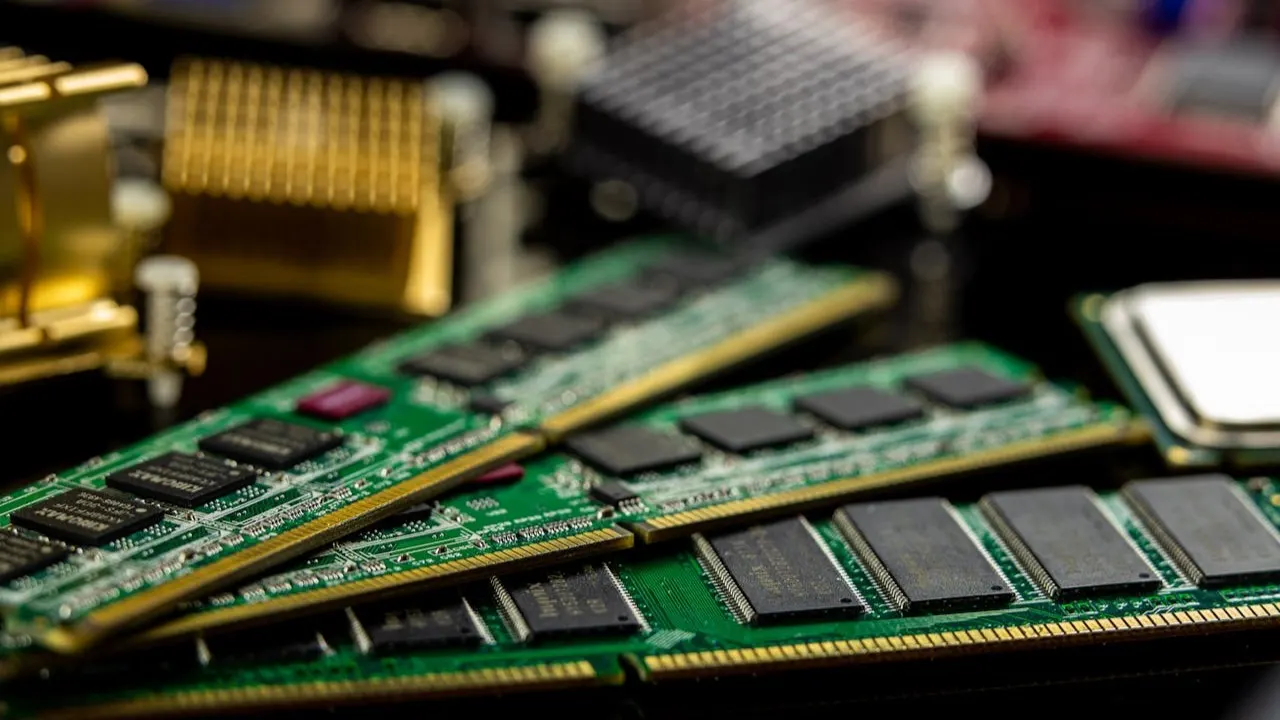
PC parts don’t just lose value.. they cycle. New launches push buyers toward older GPUs and CPUs, reducing supply and raising demand. Here’s why second-hand components stay valuable and how sellers can prepare them for resale.

Windows 10 dies in Oct 2025... but you can continue using it safely. Spend a 6 minute read to learn what it really means, what Microsoft's ESU offers, who qualifies, and how to protect your system while others rush to Windows 11.

Microsoft have pulled the plug. Support for Windows 10 ends in 14 October 2025. Truth be told, not every PC can run Windows 11. Here’s the truth about Microsoft’s requirements, why TPM matters, and what to do if your PC is left behind.
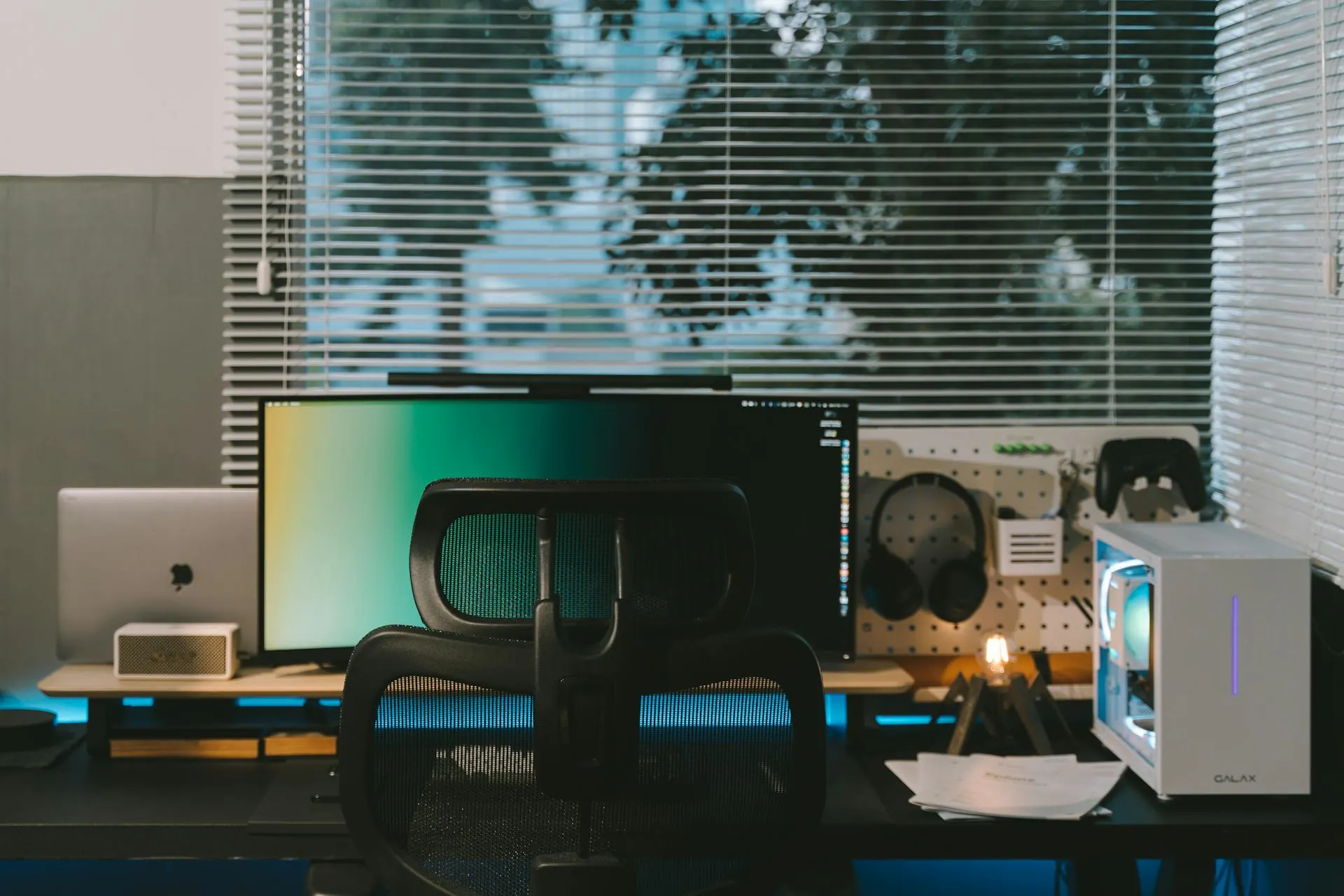
From fake components to disappearing sellers — pre-owned PC deals can go wrong fast. In this post we share 5 true-Reddit horror stories of buying or selling used hardware, plus practical tips you can use to protect yourself every time you trade.
When we built AEM Labs, we knew the marketplace itself was only part of the bigger picture. Buying and selling hardware is important - but the real strength comes from the community. That’s why we’ve built several spaces where you can connect, learn, and have a say in what we do at AEM.
Already have an account? Sign in
Remember your password? Back to Sign In